Overheating is a symptom, not a diagnosis
High temperatures can come from blocked vents, compacted dust, a failing fan, dried thermal material, heavy background activity or a damaged heat pipe. Gaming and performance laptops also run warmer by design, so temperature behaviour must be assessed in context.
Signs that need attention
- Fan running loudly or making grinding sounds
- Laptop becoming very hot during light work
- Performance dropping after a few minutes
- Unexpected shutdowns or thermal warnings
- Little or no airflow from the exhaust vent
Thermal service process
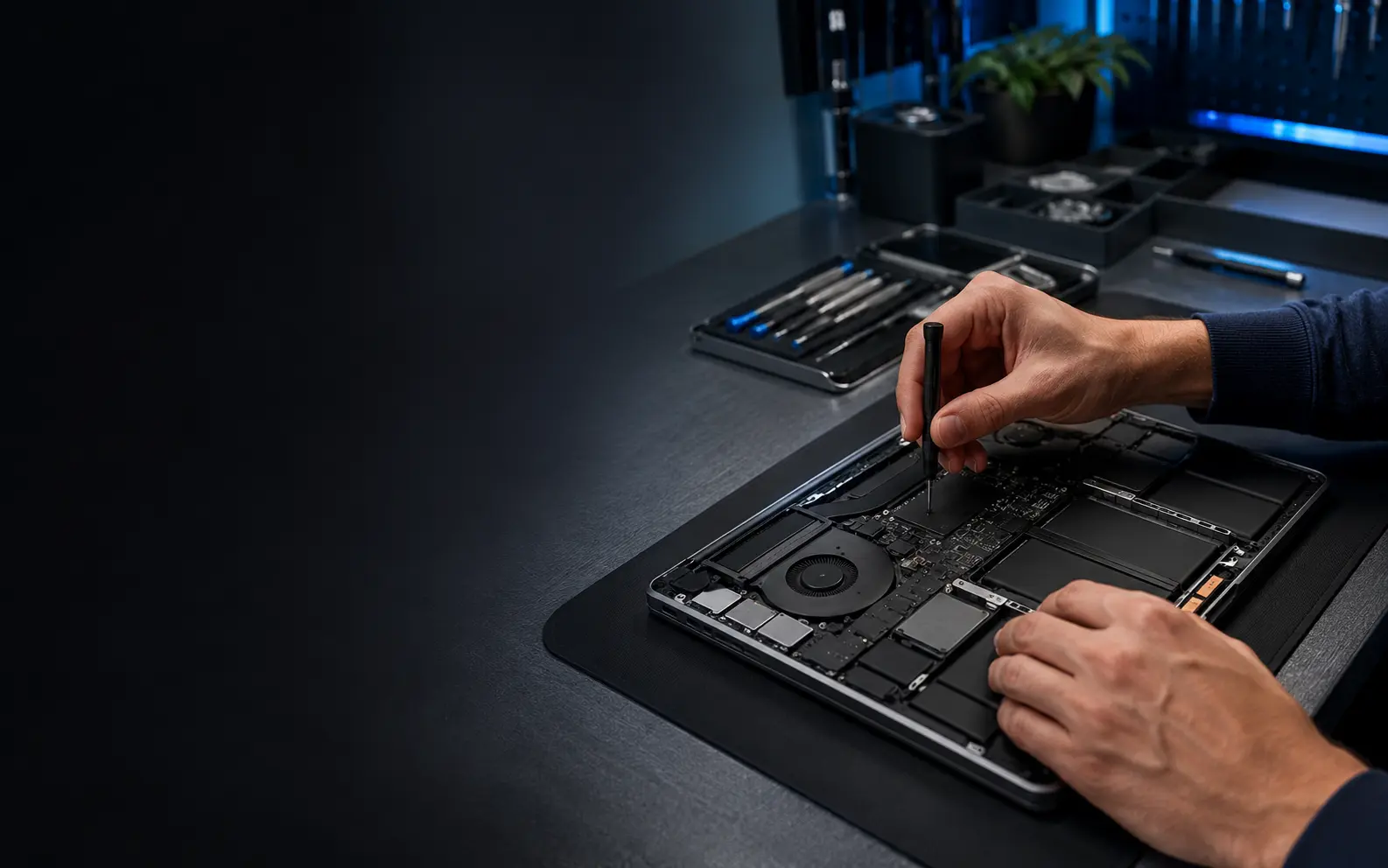
We inspect the airflow path, fan condition, heat sink and visible thermal interface. Where appropriate, the cooling assembly is cleaned and suitable thermal material is renewed. A faulty fan or damaged cooling component is quoted separately.
Testing under load
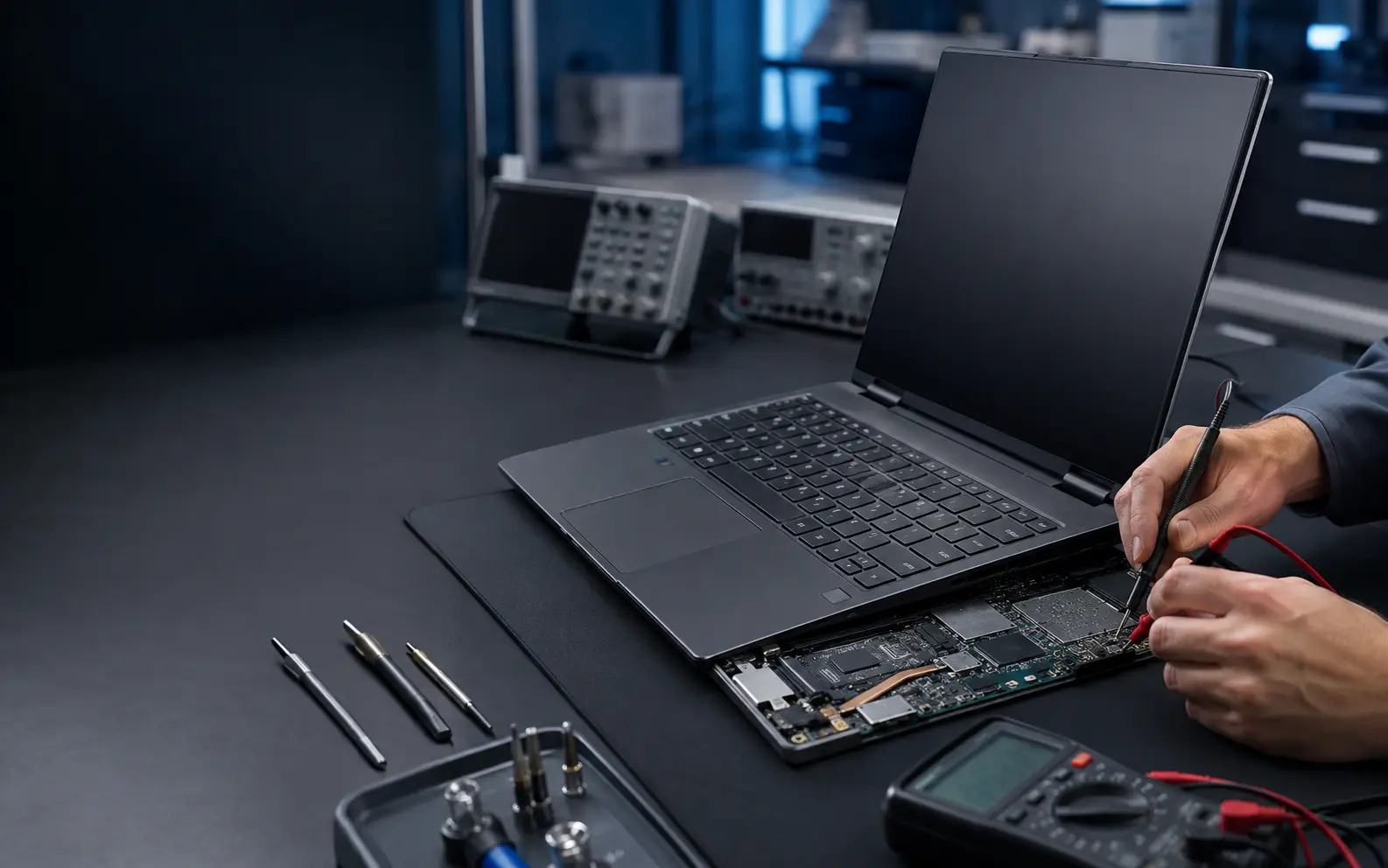
After service we confirm fan response, airflow and basic temperature behaviour. Thermal service cannot correct every slowdown; storage, memory, operating-system and motherboard problems may require separate work.
Final cost and turnaround depend on the exact model, fault and parts availability. We confirm the available route before beginning the repair.