Act quickly after a spill
Liquid can bridge electrical contacts immediately and continue causing corrosion after the laptop appears dry. Switching the machine on to test it can turn a limited fault into major motherboard damage.
What to do immediately
- Disconnect the charger and stop using the laptop
- Power it off rather than testing keys or ports
- Do not use a hair dryer, heater or rice
- Keep the device stable to limit liquid movement
- Arrange professional internal inspection promptly
Inspection and repair assessment
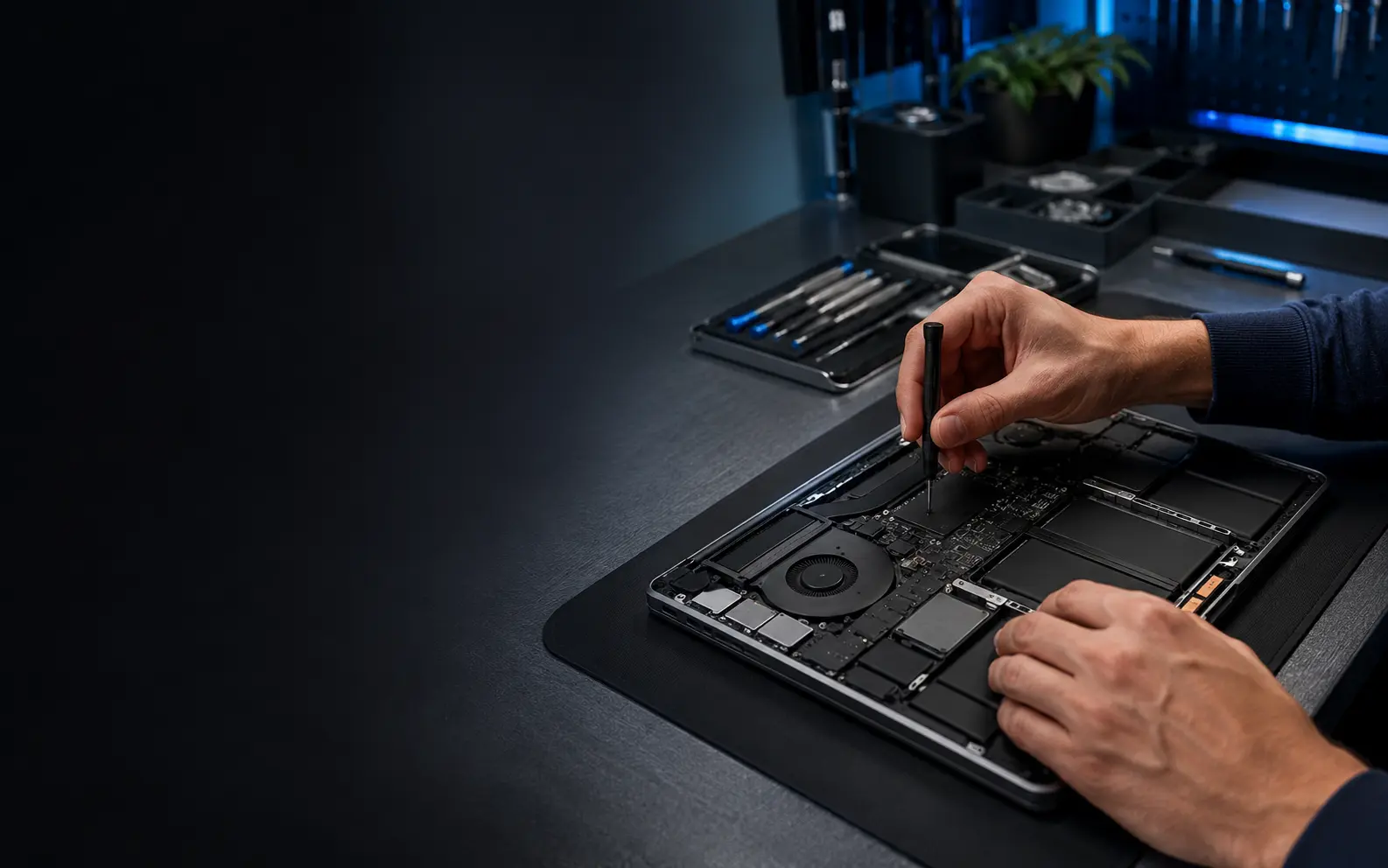
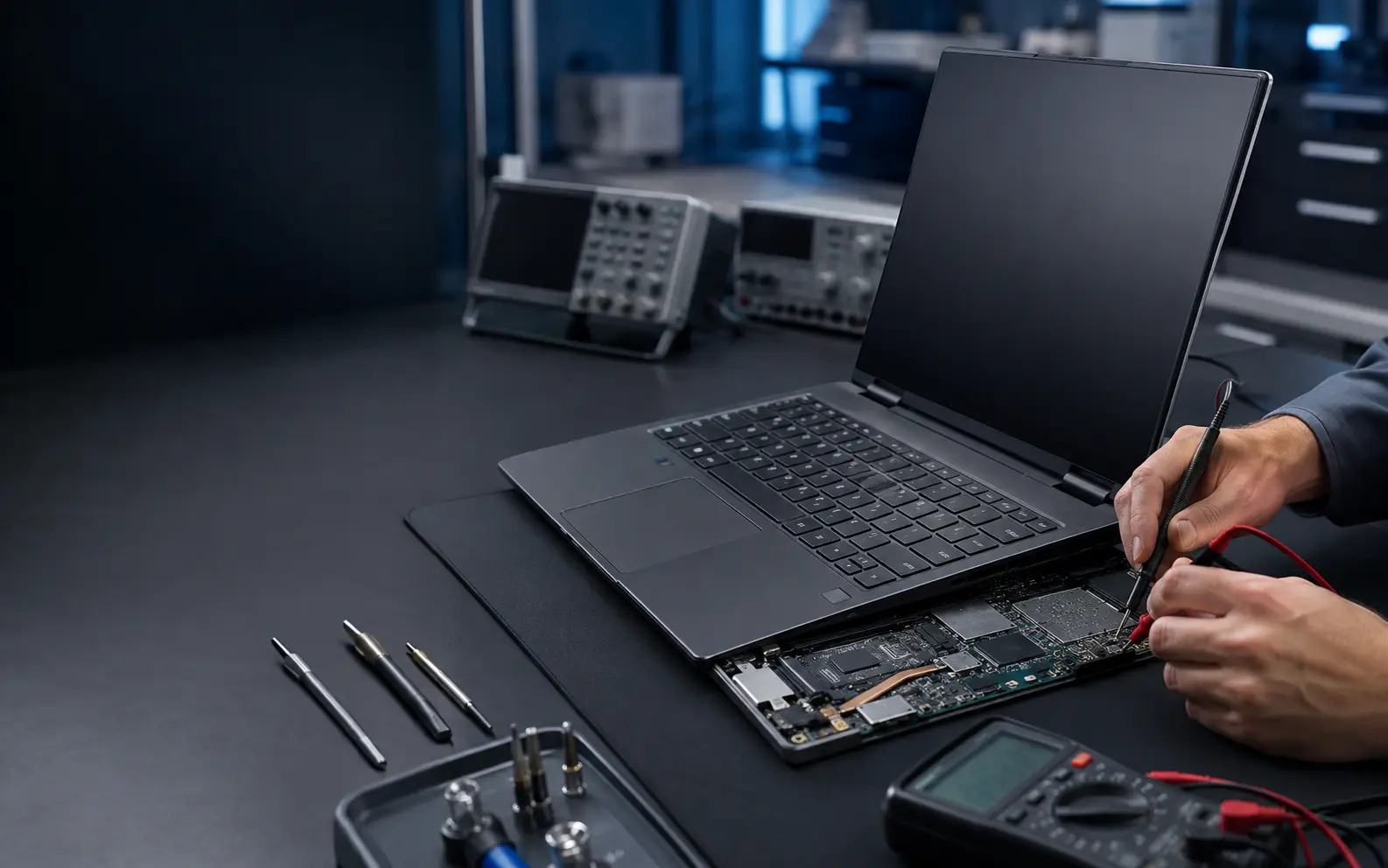
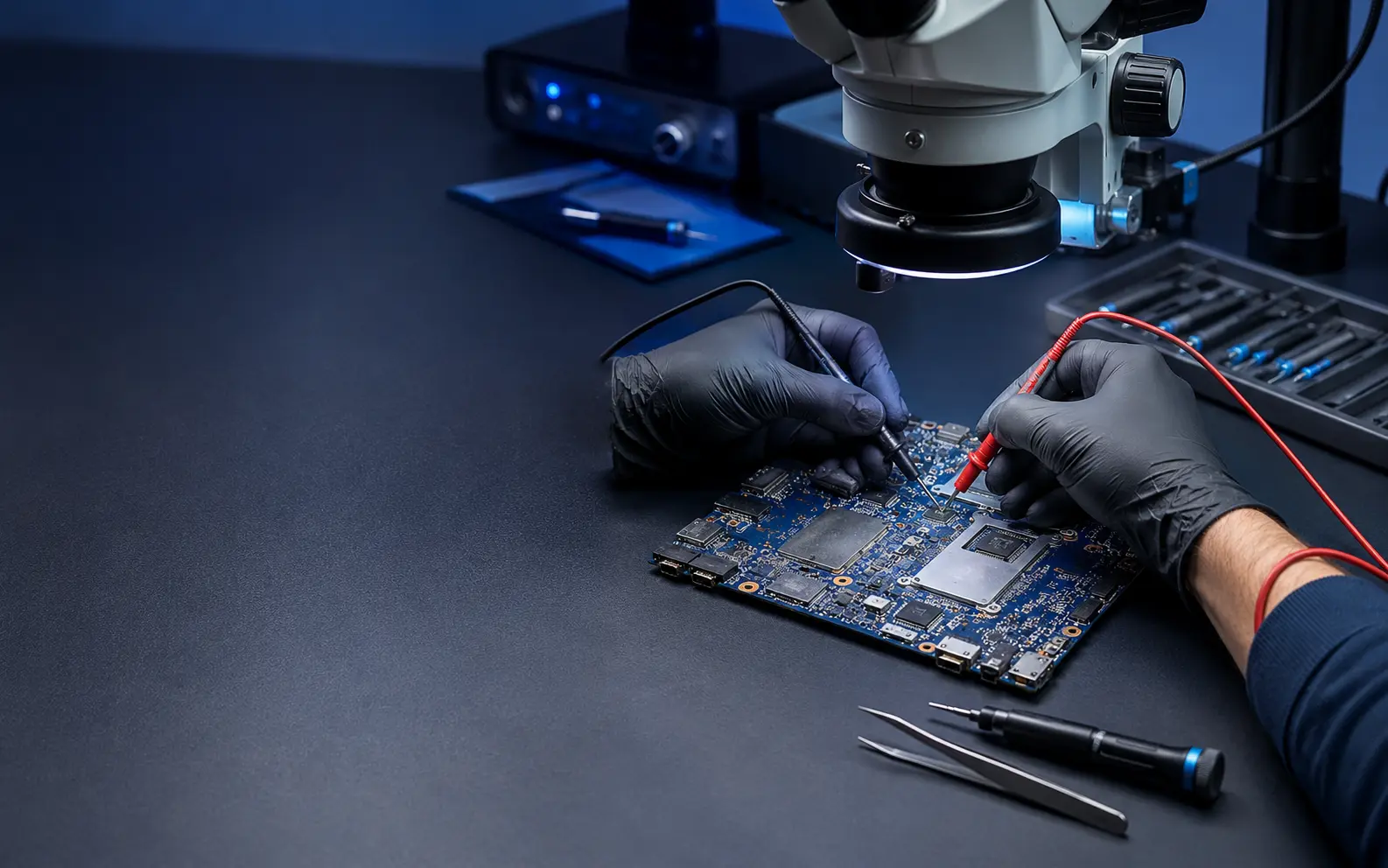
We check the affected area, connectors, keyboard, battery region and motherboard for residue or corrosion. Cleaning, keyboard replacement or board-level work may be required. The outcome depends on the liquid type, powered state, affected components and time elapsed.
No false recovery promises
Liquid damage can create delayed failures and is not always economically repairable. We explain visible damage, feasible work and data-recovery considerations after inspection. No technician can guarantee full recovery before opening and testing the device.
Final cost and turnaround depend on the exact model, fault and parts availability. We confirm the available route before beginning the repair.