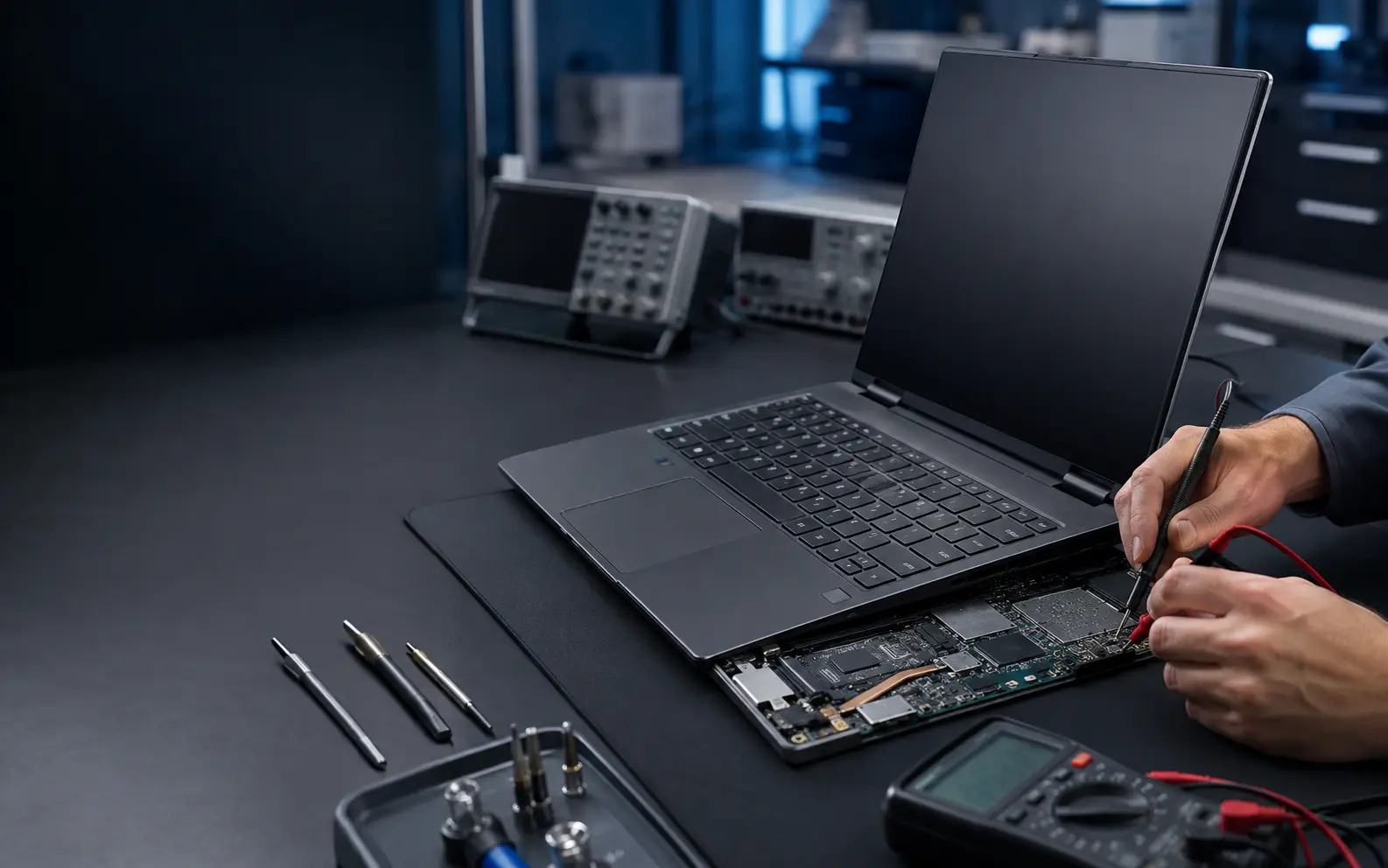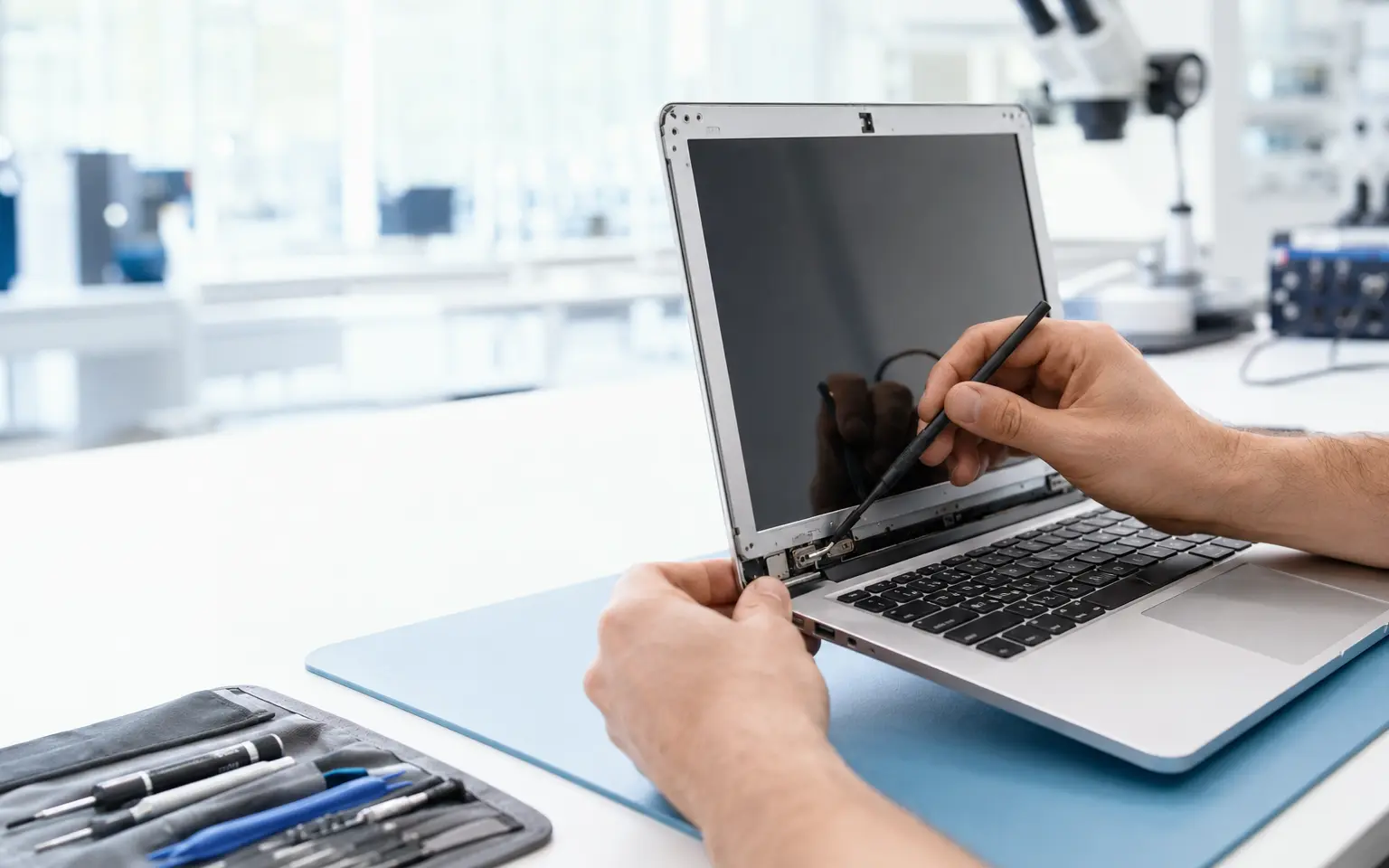
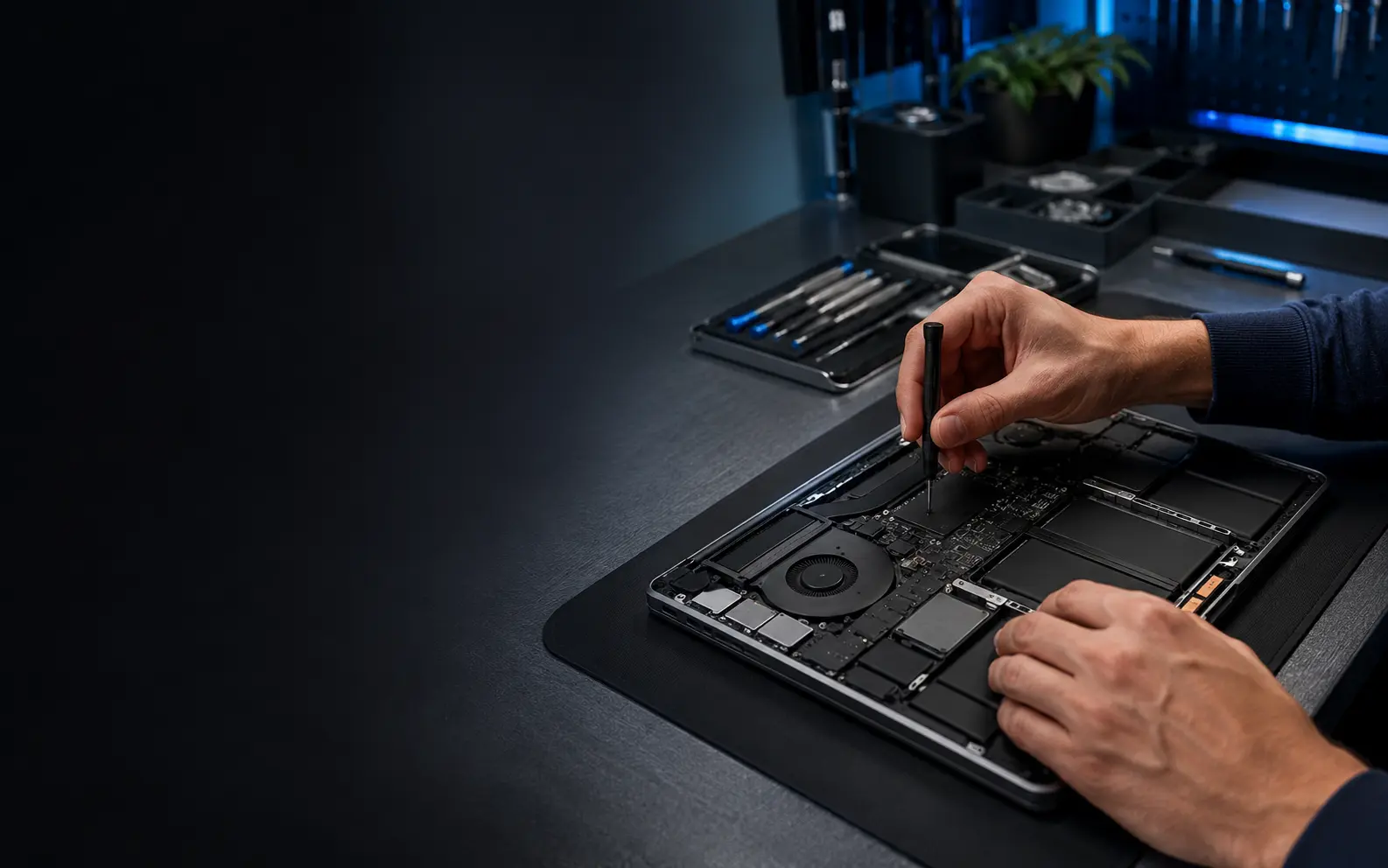
Repair damaged hinges before they spread
A stiff or detached hinge can crack the display back cover, palm rest, bezel, cables and even the screen. Continuing to open and close the laptop usually makes the damage worse. We inspect both hinge mechanisms and their mounting points before recommending repair or replacement.
Damage commonly handled
- Hinge pulling away from the body
- Cracked palm rest, bottom base or display back cover
- Screen bezel opening near the hinge
- Lid becoming unusually stiff, loose or uneven
- Display or Wi-Fi cables exposed near the hinge
Repair versus panel replacement
The hinge metal may be intact while the plastic mounting posts have failed. Depending on the damage, the solution may involve rebuilding mount points, replacing a hinge pair, changing the palm rest or fitting a new display cover. We explain the structural limitations of any repair before proceeding.
Final alignment checks
After work, we check opening resistance, panel alignment, cable clearance, screw fit and body closure. A repaired hinge should still be opened from the centre of the lid using both hands when the design requires it.
Final cost and turnaround depend on the exact model, fault and parts availability. We confirm the available route before beginning the repair.